AI agent
An AI agent that works across your matters, files, and tools.
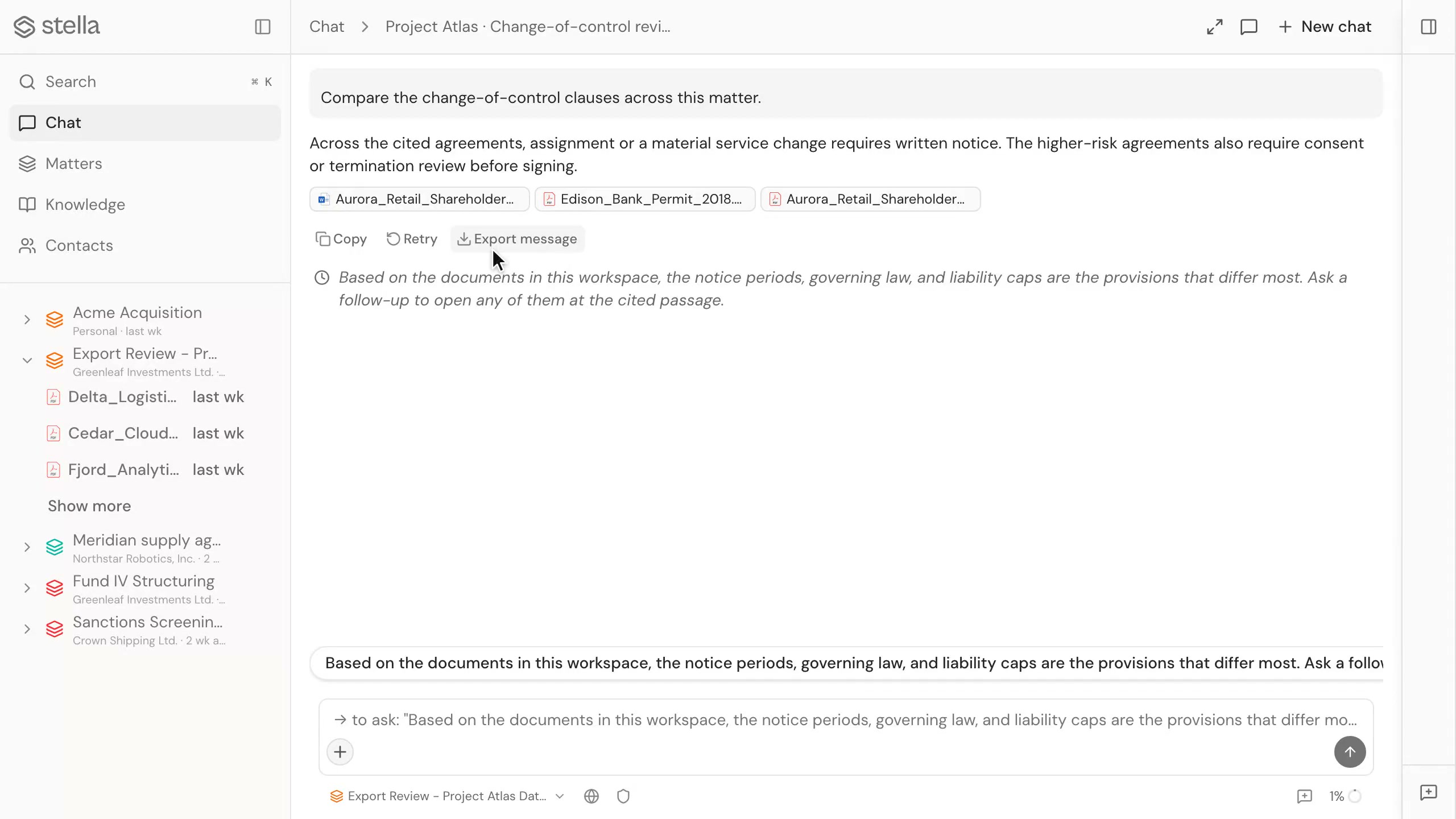
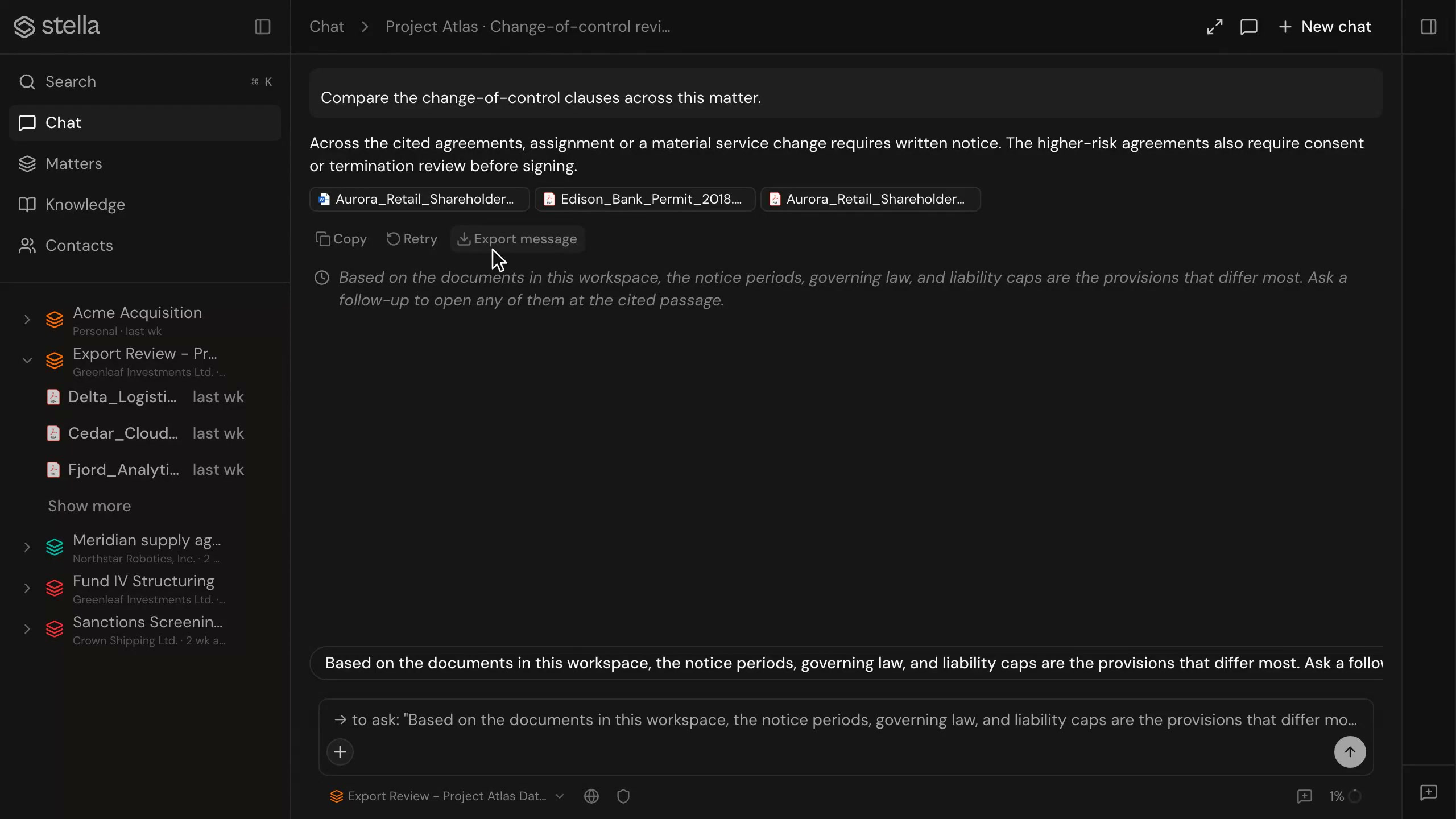
Chat with your matters, documents, registries, and connected tools in one place. The AI agent acts with approvals and source previews, grounds its answers in citations, and extends through skills and external connectors.
In short
What can the AI agent do?
The AI agent chats with your matters, files, company registries, and connected tools. It asks for approval before acting, shows a source preview for what it reads, and grounds answers in citations. You can extend it with reusable skills and external connectors that are MCP-compatible.
Capabilities
Works across your matters
Ask questions over the matters, documents, and contacts you already have in stella. One conversation can reach every matter you have access to, with the same permissions that govern the rest of your workspace.
Reads your files
Bring documents into the conversation and ask the AI agent to read, compare, or summarise them.
Connected tools
Reach company registries and other connected sources without leaving the chat.
Approvals before acting
The AI agent asks before it acts, so you stay in control of each step.
Source previews
See what the AI agent is reading with a preview of the source behind each step.
Grounded by citations
Answers link back to the source, and a citation opens the document at the exact passage.
Ask once, across everything in the matter
- Chat over matters, documents, and contacts in one conversation
- Pull company and registry data into the same thread
- Hand a tabular review to the AI agent for follow-up questions
You stay in control
- Each action waits for your approval before it runs
- A source preview shows what the AI agent read for every step
- Citations open the source document at the exact passage
Extend it with skills and connectors
- Skills are instructions and tools you can reuse across matters
- External connectors are MCP-compatible, so the AI agent reaches more tools
- Add capabilities without changing how the chat works
FAQ
Does the AI agent act on its own?
No. It asks for approval before it acts, and it shows a source preview for what it reads, so you can follow and confirm each step.
How do I add new capabilities?
Through skills (reusable instructions and tools) and external connectors that are MCP-compatible. Both extend what the AI agent can reach without changing the chat itself.
Where do its answers come from?
From your matters, files, registries, and connected tools. AI features use your own provider keys, and answers are grounded by citations back to the source.