Workspace
Matters, documents, review, and chat in one workspace.
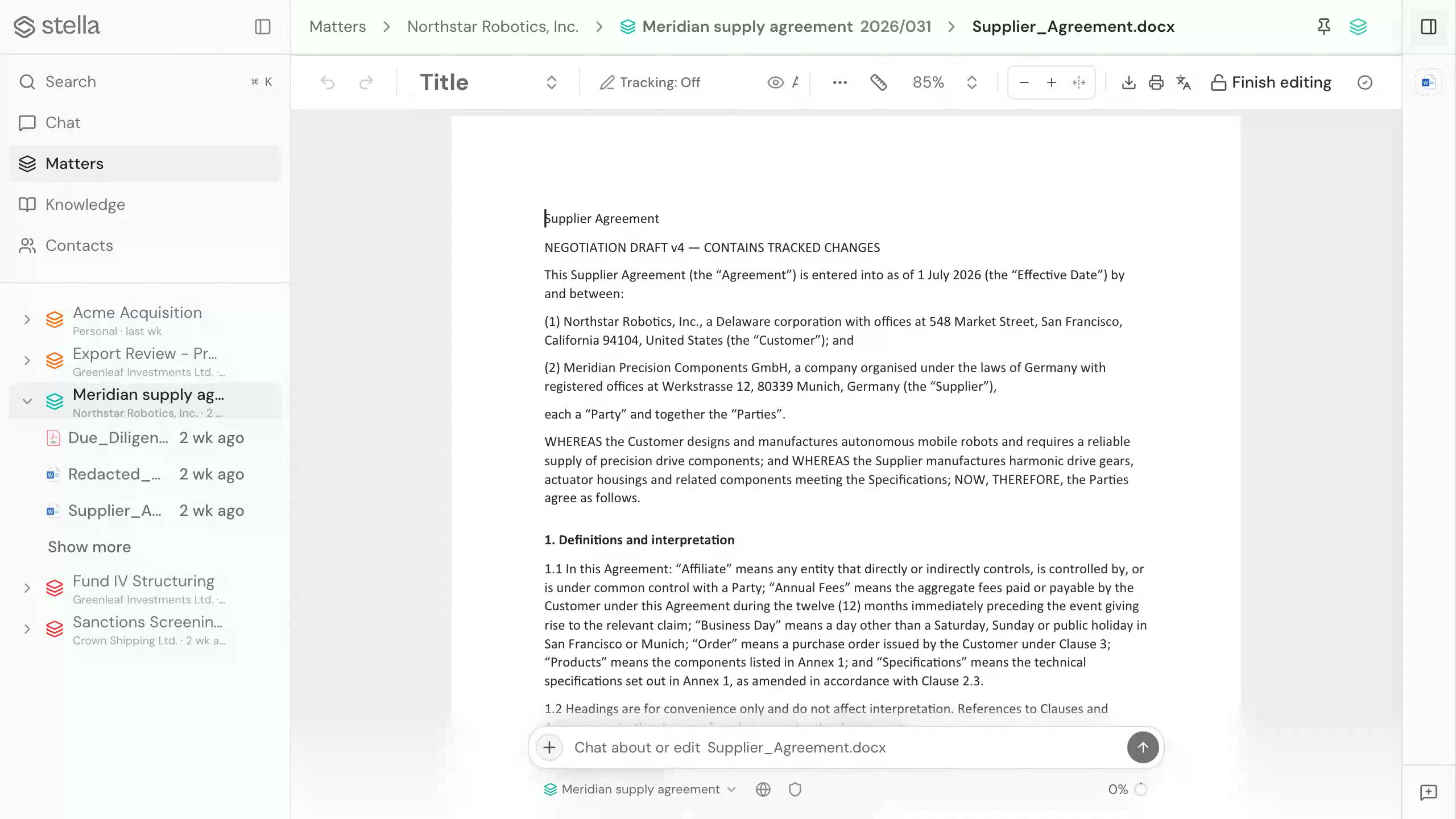
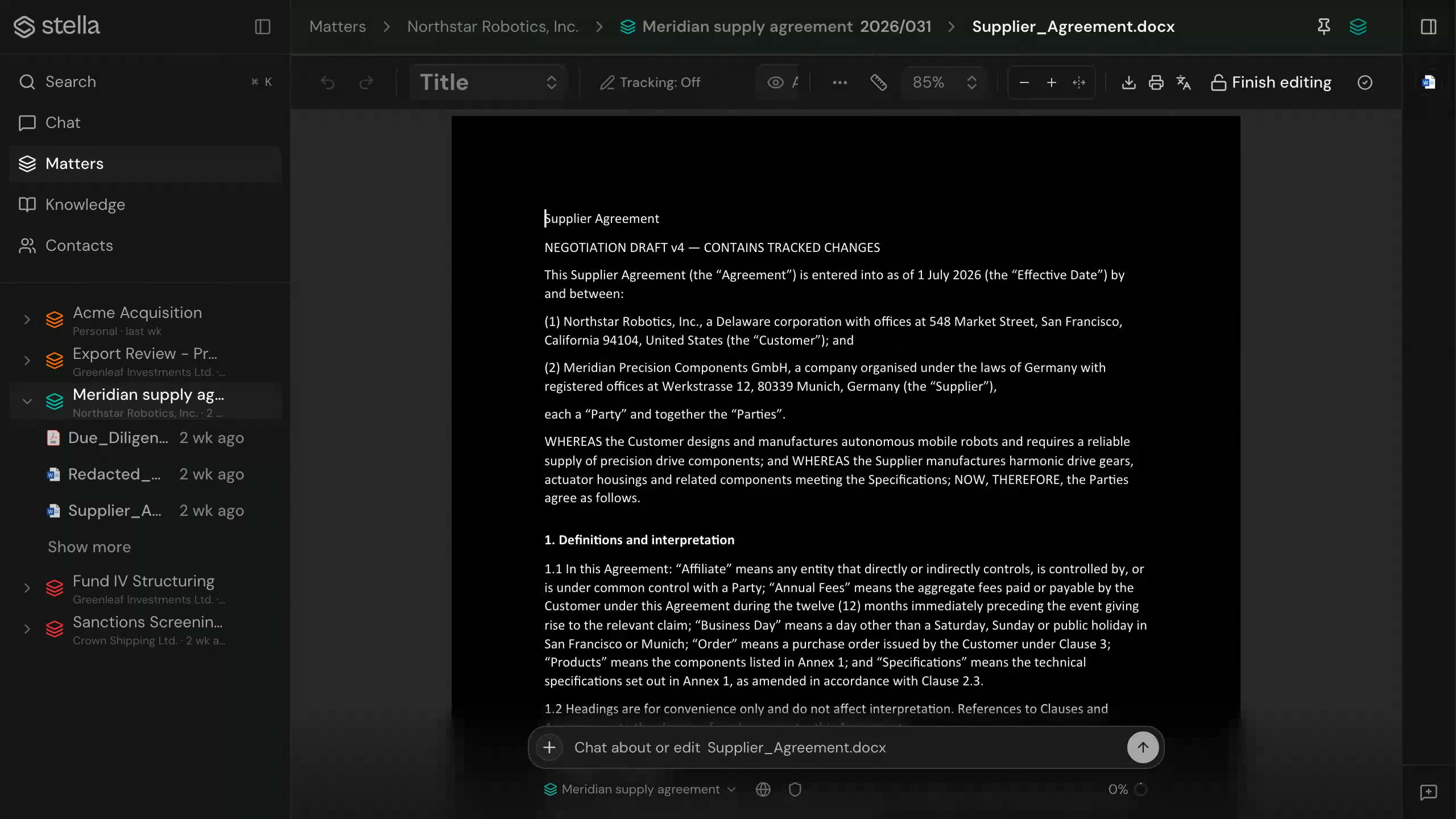
The workspace holds a matter's documents, Word .docx editing, review, research, and chat in one place, so the work stays in context from source material to answer.
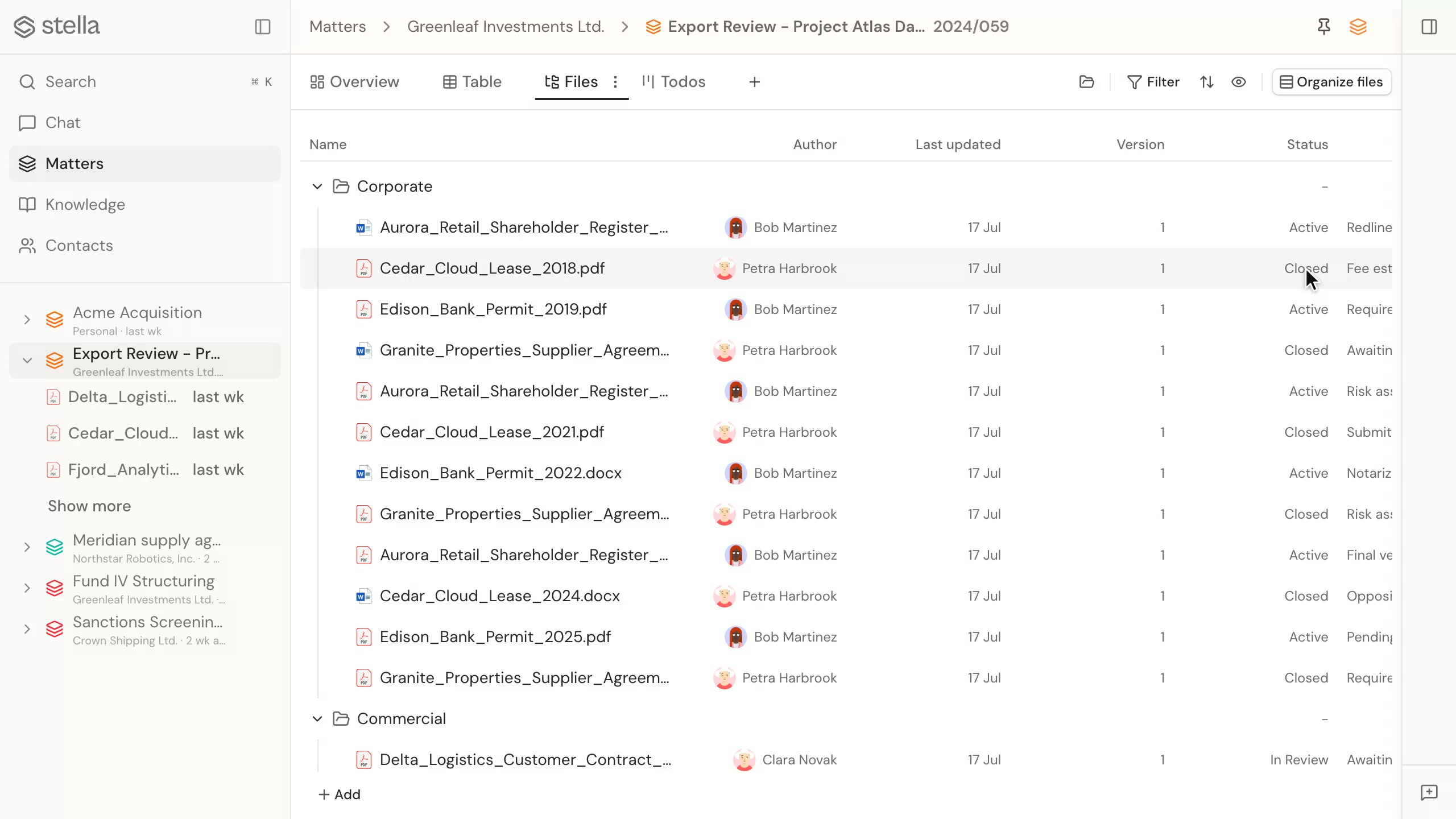
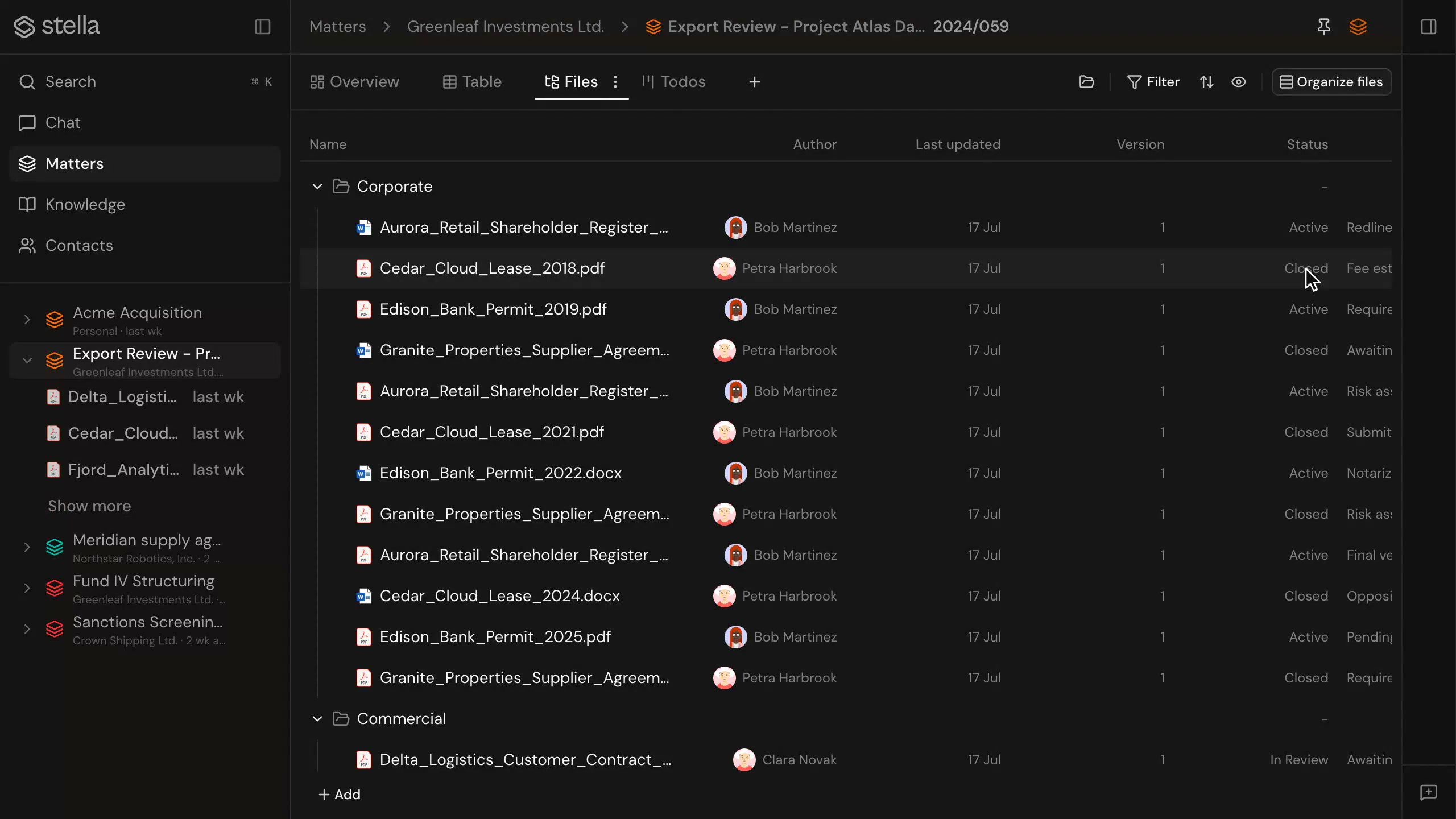
In short
What is the stella workspace?
A web app that holds matters, documents, Word .docx editing, review, research, and chat in one place. Everything added to a matter stays attached to it, so the context is there when you return. A companion desktop app acts as a local bridge when a document needs Microsoft Word.
Capabilities
Matters
Organise documents, contacts, review, and chat around the matter they belong to. Everything added to a matter stays attached to it, searchable across the whole workspace, so the context is there when you come back.
Documents and .docx editing
Open, edit, and review Word .docx documents directly in the workspace.
Review and research
Run tabular review and research alongside the documents they relate to.
Chat and knowledge tools
Bring the AI agent and knowledge tools into the same workspace as your files.
Desktop bridge
A desktop app acts as a local bridge for editing Office documents from stella.
Version history
Saved edits and uploads become document revisions, so the current file and its history stay together.
Everything for a matter, in one place
- Documents, contacts, review, and chat live inside the matter
- Edit Word .docx documents without leaving the workspace
- Move between research, review, and chat without switching apps
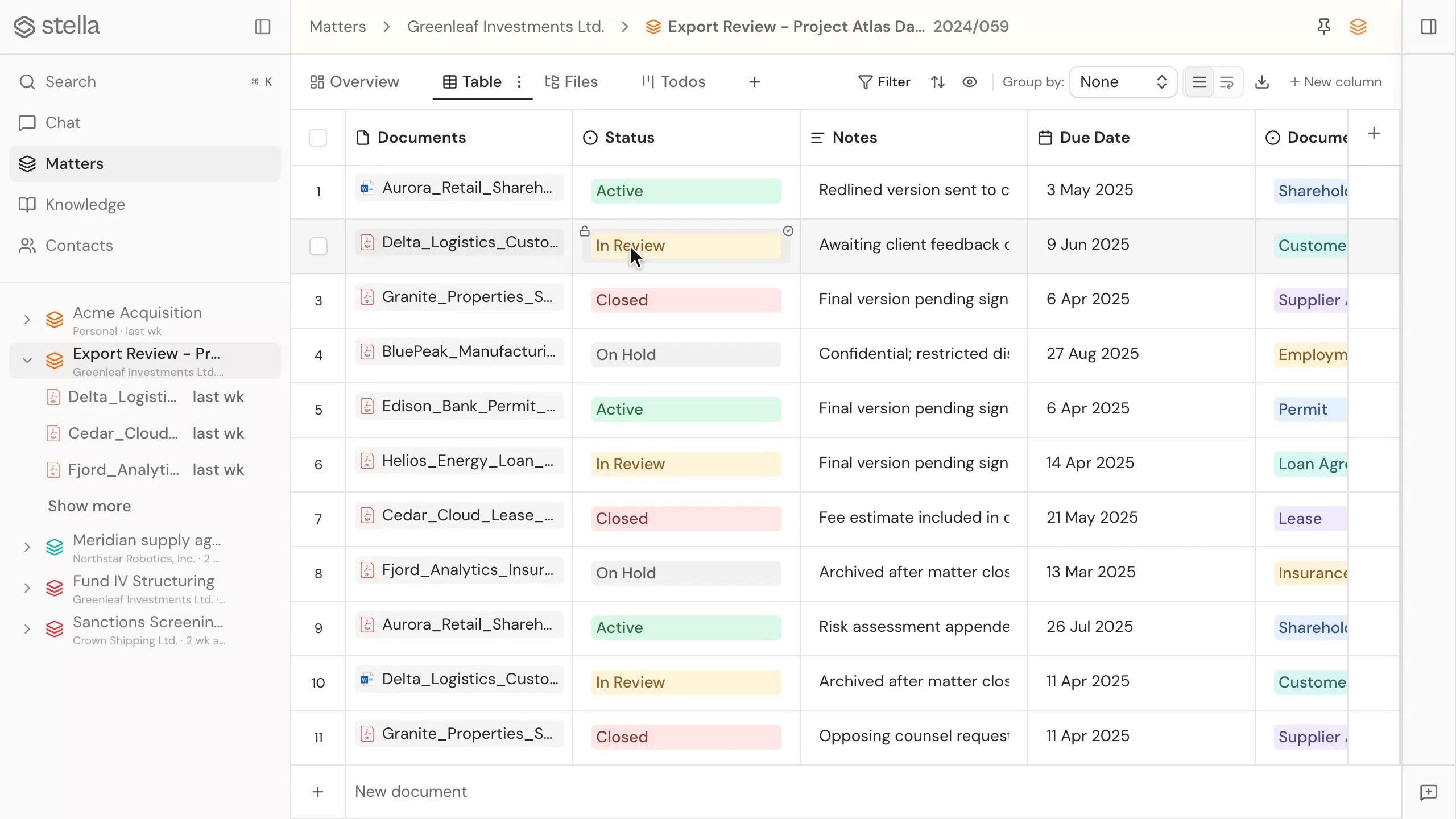
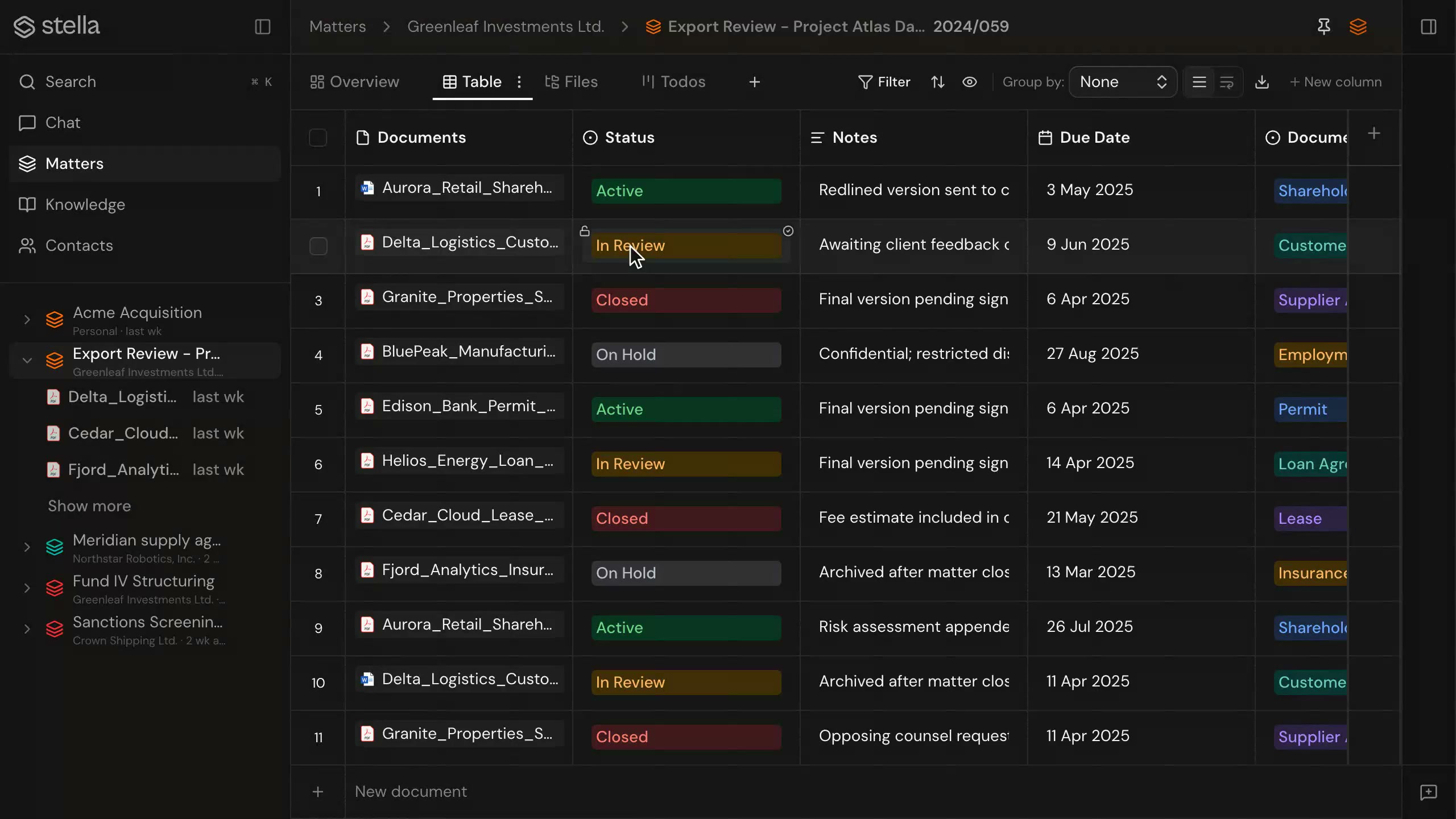
Word documents, edited where you need them
- Open and edit Word .docx documents directly in the workspace
- The redline stays a Word file: no conversion, no copies
- Use the desktop bridge when a document needs Microsoft Word
FAQ
Can I edit Word documents in stella?
Yes. The web app supports Word .docx editing and review. For local Office editing, the desktop app acts as a bridge so you can open a document from stella and edit it on your computer.
What lives inside a matter?
Documents, contacts, review tables, chat threads, and document history. Everything added to a matter stays attached to it, so the context is there when you return.
Can other tools reach the workspace?
Yes. The stella CLI and MCP server expose the same matters, documents, and case law to connected tools, under the same permissions. See CLI & MCP for details.